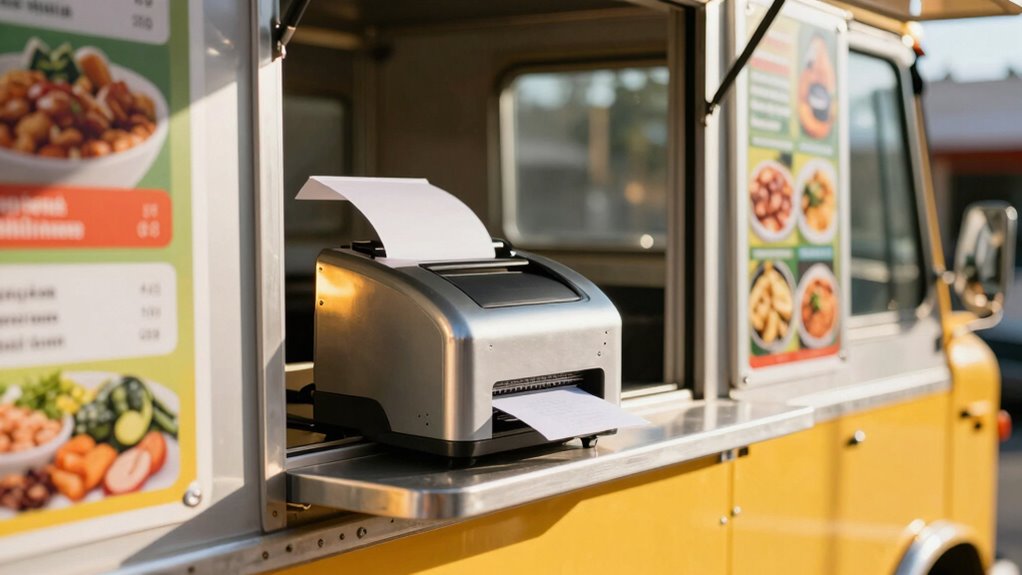

When choosing a receipt printer for your food truck, prioritize wireless options like Wi-Fi and Bluetooth for easy setup and flexible connections. Look for high-quality thermal printing that’s fast, quiet, and low-maintenance. Make certain it’s durable and compact to handle the bumps of mobile kitchens, with long battery life for ongoing use. Focusing on these features helps you deliver quick, professional receipts—plus, there’s more to take into account for smooth operations, waiting to be explored.
Key Takeaways
- Prioritize wireless connectivity options like Wi-Fi and Bluetooth for flexible, clutter-free setup and easy integration with POS systems.
- Choose thermal printers for fast, quiet, and ink-free printing that produces professional receipts suitable for mobile environments.
- Ensure the printer is compact, durable, and resistant to bumps and spills common in mobile kitchen settings.
- Opt for models with simple operation, quick paper loading, and compatibility with existing POS systems to reduce downtime.
- Consider printers with long battery life and fast printing speeds to maintain efficiency during busy food truck hours.
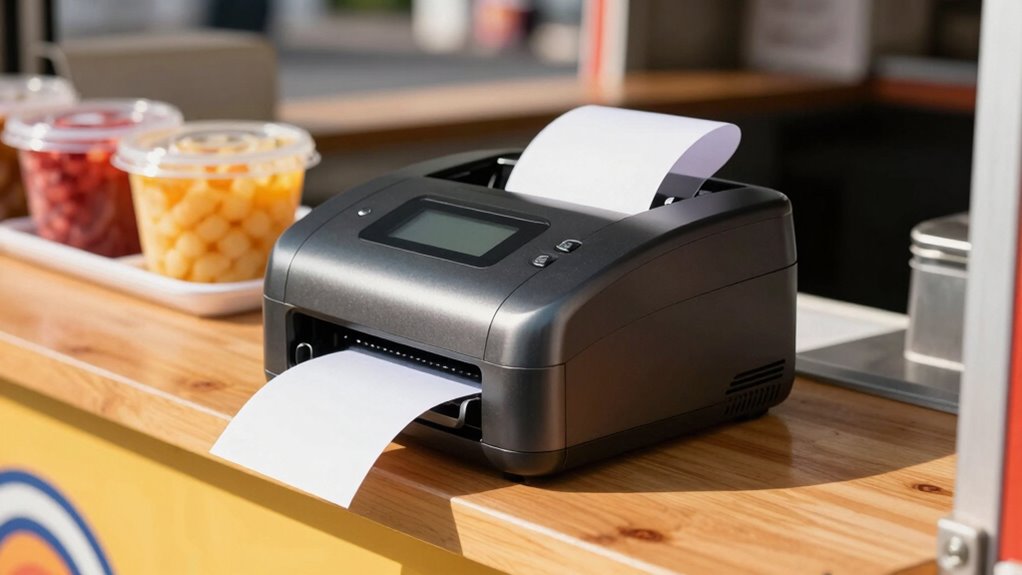
Are you searching for the right receipt printer to keep your food truck running smoothly? If so, you need to focus on models that offer reliable wireless connectivity and thermal printing capabilities. Wireless connectivity allows you to cut cords and reduce clutter, giving you the freedom to move around your truck without worrying about tangled cables or limited placement options. With a good wireless connection, your printer can seamlessly communicate with your POS system from anywhere inside your food truck, speeding up transactions and improving customer service. Plus, it simplifies setup, as you won’t need to run long cables or worry about physical connections. Thermal printing is another essential feature to take into account. It produces high-quality receipts quickly and quietly, with clear text and sharp images that won’t fade over time. Since thermal printers don’t use ink or toner, they require less maintenance and are more cost-effective in the long run. This makes them ideal for the fast-paced environment of a mobile kitchen, where efficiency and reliability are key.
When choosing a receipt printer for your food truck, look for models that support multiple wireless options, such as Wi-Fi and Bluetooth. Wi-Fi connectivity allows your printer to connect directly to your network, making it easy to integrate with your POS system and other devices. Bluetooth offers a quick, straightforward way to connect your printer to a smartphone or tablet, which is handy if you’re using mobile payment apps or portable POS terminals. Having both options gives you flexibility, especially if your setup changes or expands over time. Additionally, check that the printer supports fast printing speeds and has a compact, durable design. Since space inside a food truck is limited, a compact model that can withstand the bumps and spills of a mobile kitchen is vital. Wireless connectivity is essential for maintaining a clutter-free workspace and enhancing operational efficiency. Moreover, choosing a printer with appropriate durability can significantly reduce downtime caused by accidental bumps or spills during busy hours. Also, consider models with long battery life, so your operations won’t be interrupted during busy periods. A printer with a long-lasting battery ensures you won’t be left without a receipt machine during busy hours. Some models even offer rechargeable batteries, so you can keep your operations running smoothly without constantly replacing batteries. Ease of use is also important — look for printers with simple controls and easy paper loading features to minimize downtime. Additionally, choosing a compatible printer that seamlessly integrates with your existing POS system and software can save you time and technical headaches, ensuring smooth operation. Being aware of industry standards can help you select equipment that meets safety and performance benchmarks, reducing potential issues down the line. By focusing on wireless connectivity, thermal printing, durability, and ease of use, you’ll be well-equipped to select a receipt printer that keeps your food truck efficient, professional, and ready for business.
wireless thermal receipt printer for food truck
As an affiliate, we earn on qualifying purchases.
As an affiliate, we earn on qualifying purchases.
Frequently Asked Questions
How Do I Troubleshoot Printer Connectivity Issues in a Mobile Environment?
To troubleshoot wireless connectivity issues in a mobile environment, first check your Wi-Fi or Bluetooth signal strength and confirm your printer is within range. Restart the printer and your device to refresh connections. Also, verify power management settings aren’t disabling the wireless function to conserve battery. If problems persist, update the printer’s firmware and re-pair the device. Regularly monitoring these aspects will help maintain reliable connectivity on the go.
What Are the Best Receipt Printer Options for Outdoor Weather Conditions?
You should look for a receipt printer with a weatherproof design to withstand outdoor conditions like rain, dust, and wind. Portable power options, such as rechargeable batteries or external power sources, guarantee you stay operational without worrying about power outages. Consider compact, rugged models that are easy to carry and resistant to environmental elements, making sure your mobile kitchen runs smoothly regardless of weather challenges.
How Do Receipt Printers Integrate With POS Systems in Food Trucks?
You connect receipt printers to POS systems in food trucks through wireless connectivity options like Bluetooth or Wi-Fi, ensuring seamless transactions on the go. Make sure the printer is compatible with your POS system, which often involves checking compatibility lists or software requirements. Once connected, the printer automatically receives transactions, allowing quick, efficient service. Proper integration streamlines your workflow and enhances customer satisfaction, making your mobile kitchen more efficient.
What Are the Security Features Available for Mobile Receipt Printers?
Sure, your mobile receipt printer’s security features include wireless security measures and encryption protocols—because nothing says “trust me” like a fortress of digital defenses. You can safeguard transactions with WPA2 or WPA3 wireless security, ensuring hackers don’t hijack your sales. Encryption protocols like TLS or WPA2 keep sensitive customer data protected. So, while your food truck serves up deliciousness, your printer’s security keeps the digital grease off your keys.
How Do I Maintain and Clean My Receipt Printer on the Go?
To keep your receipt printer in top shape on the go, follow regular cleaning routines by gently wiping the exterior and paper path with a soft, damp cloth. When replacing paper, turn off the printer, open the cover, and insert the new roll properly. Avoid touching the print head directly, and clean it occasionally with a soft brush to prevent jams and guarantee clear receipts every time.
As an affiliate, we earn on qualifying purchases.
Conclusion
Choosing the right receipt printer is like finding the perfect spice for your food truck’s signature dish—small but impactful. When you pick the right device, it streamlines transactions, keeps customers happy, and boosts your business. I once saw a mobile kitchen that upgraded their printer, and suddenly, orders flowed faster than ever—like a well-oiled machine. Trust your choice, and watch your food truck thrive, serving up success one receipt at a time.
compact durable receipt printer Wi-Fi
As an affiliate, we earn on qualifying purchases.
As an affiliate, we earn on qualifying purchases.
battery-powered thermal receipt printer
As an affiliate, we earn on qualifying purchases.
As an affiliate, we earn on qualifying purchases.