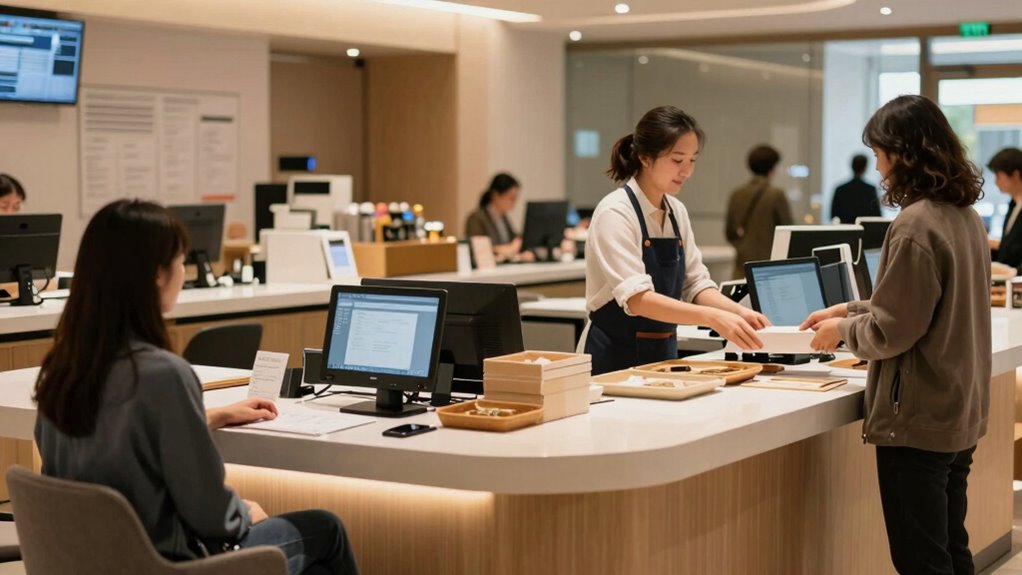

To design a faster service window without feeling rushed, streamline your processes by organizing your workspace and using technology like POS systems and automated payments. Train staff to handle transactions efficiently while staying friendly, and empower them to make quick decisions. Use clear signage and designated lanes to guide customers smoothly. Regularly review operations and gather feedback to identify bottlenecks and improve flow. Keep exploring these strategies to make your service even more seamless.

Get kitchen staples and gadgets delivered free with Prime
- Fast, free delivery on millions of items
- Prime Video, Amazon Music and more included
- Member-only deals all year
Key Takeaways
- Optimize layout with organized workstations and essential tools within easy reach for quick service.
- Implement clear signage and digital displays to guide customers efficiently through the process.
- Train staff to handle transactions swiftly while maintaining friendliness and accuracy.
- Use technology like automated payment systems to reduce transaction times and streamline workflow.
- Monitor customer flow and staff performance regularly to identify bottlenecks and adjust operations accordingly.
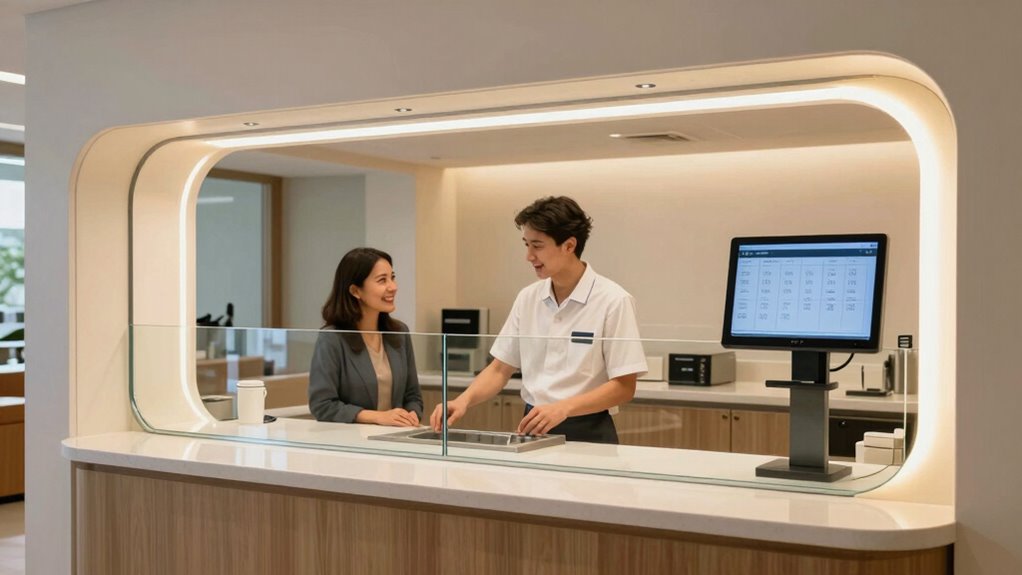
When designing a service window, focusing on efficiency can considerably reduce wait times and improve customer satisfaction. To make this happen, you need a solid plan for queue management that keeps lines moving smoothly without feeling hurried. A well-organized queue system helps you anticipate customer flow, so you can allocate resources effectively and prevent bottlenecks. For example, using clear signage or digital displays to guide customers can streamline their journey from arrival to service. Establishing designated lanes for different types of transactions can also speed things up, so customers aren’t stuck waiting behind those with simpler requests.
Effective queue management and clear signage streamline service, reducing wait times and enhancing customer experience.
Staff training plays an essential role in achieving a faster service window without sacrificing quality. When your team is well-trained, they know how to handle transactions quickly while maintaining friendliness and accuracy. Regular training sessions should cover not just operational procedures, but also techniques for managing stressful situations calmly. Empower your staff to make decisions on the spot, such as offering quick solutions for common issues, which minimizes delays and keeps the line moving. Cross-training employees on multiple tasks can also boost efficiency, since you can shift staff around during busy periods to ensure coverage without overwhelming anyone.
In addition to queue management and staff training, consider the layout of your service window. A thoughtfully designed space allows your team to work efficiently and interact seamlessly with customers. Keep essential tools and documents within arm’s reach so they can serve customers faster. Clear counters, organized workstations, and minimal clutter help your staff stay focused and reduce unnecessary movements that slow down service. Installing technology, like point-of-sale systems or automated payment options, can further accelerate transactions, cutting down the time each customer spends at the window. Regularly reviewing service process and incorporating new tools or techniques can help maintain optimal efficiency over time. Additionally, implementing a digital queue management system can provide real-time updates and better manage customer expectations. Incorporating technology solutions into your workflow can also streamline communication between staff members and improve overall coordination.
You should also monitor your service process regularly. Collect feedback from customers and staff to identify pain points and bottlenecks. Use this data to refine your queue management strategies and update staff training accordingly. Ongoing improvements keep your operation lean and responsive, ensuring that customers feel attended to without feeling rushed. Analyzing customer flow patterns can help you better allocate resources during peak times. Remember, the goal isn’t just to serve more people quickly but to create a seamless experience where customers leave satisfied, not hurried or neglected. With a clear focus on queue management, continuous staff training, and thoughtful layout design, you can craft a service window that’s both fast and friendly—delivering efficient service without making anyone feel hurried.
Products Worth Considering

Ninja Artisan 5-in-1 Portable Electric Pizza Oven, Blue & Gold

KitchenAid Classic Series 4.5-Quart Tilt-Head Stand Mixer, Onyx Black

Weber Searwood 600 Wood Pellet Smoker Grill, Black
As an affiliate, we earn on qualifying purchases.
Frequently Asked Questions
What Is the Ideal Size for a Service Window?
The ideal size for a service window is around 36 to 48 inches wide, ensuring good window accessibility and customer comfort. This size allows staff to handle transactions efficiently while giving customers enough space to comfortably interact. You should also consider height, aiming for about 36 inches from the ground, to make the window accessible for most users. Proper sizing minimizes congestion and enhances the overall service experience.
How Can Technology Improve Service Speed?
Did you know that automated kiosks can reduce service times by up to 40%? You can improve service speed by implementing digital check-in systems and automated kiosks, which streamline the process and reduce wait times. These technologies allow customers to check in or place orders independently, freeing staff to focus on complex tasks. Embracing digital solutions makes your service window faster and more efficient, enhancing customer satisfaction.
What Staffing Levels Optimize Efficiency?
You should staff your window with enough team members to handle peak times efficiently, ensuring quick customer engagement without feeling rushed. Regular staff training boosts their confidence and skills, helping them manage busy periods smoothly. By analyzing your customer flow patterns, you can adjust staffing levels accordingly. This proactive approach minimizes wait times, enhances service speed, and creates a positive experience, all while maintaining a comfortable, engaged environment for both staff and customers.
How to Handle Peak Times Without Delays?
Like a well-trained knight, you manage peak times by optimizing queue management and encouraging customer patience. You can implement a digital display showing estimated wait times, which helps set expectations. Adding staff during busy hours and streamlining service processes reduce delays. Keep communication clear and friendly, guaranteeing customers feel valued. This proactive approach minimizes frustration, keeps the line moving, and ensures your service remains efficient even during the busiest moments.
What Safety Measures Are Essential at a Service Window?
You should prioritize safety at your service window by installing clear safety signage that alerts both staff and customers to hazards. Maintain a smooth flow to prevent crowding, which helps manage customer patience and reduces rushing. Make certain protective barriers are secure and accessible emergency equipment is nearby. Regularly train staff on safety protocols, fostering a secure environment where everyone feels protected and valued, ultimately improving overall service efficiency.
Conclusion
Think of your service window as a well-tuned engine, where every part works seamlessly to keep things moving smoothly. When you design with speed and efficiency in mind, you create a symbol of reliability and care—like a steady heartbeat in your business. By optimizing your process, you’re not just speeding up service; you’re building trust and leaving a lasting impression. Remember, a swift, smooth service window is the heartbeat of satisfied customers.