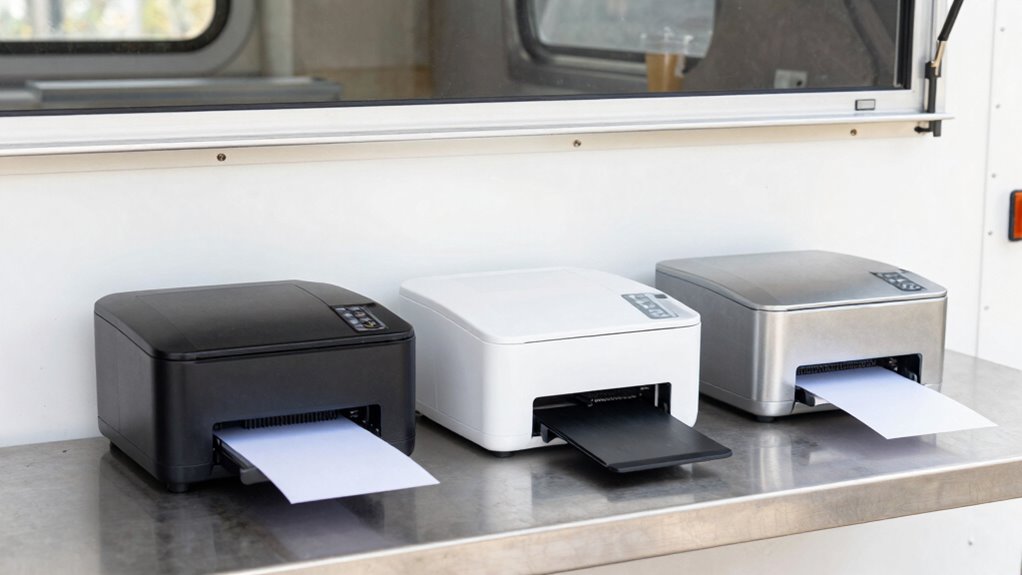

To compare kitchen printers for your food truck without overbuying, focus on models that support your current POS system, preferably with Wi-Fi or Ethernet for easy setup and placement. Prioritize speed, durability, and simple paper reload features to handle busy times smoothly. Avoid high-end features that don’t add value for your size. By balancing essential functions and affordability, you’ll find a reliable printer that fits your small space. Keep going for some useful tips to make the best choice.

Get kitchen staples and gadgets delivered free with Prime
- Fast, free delivery on millions of items
- Prime Video, Amazon Music and more included
- Member-only deals all year
Key Takeaways
- Prioritize printers with basic essential features like reliable connectivity and fast printing to avoid unnecessary upgrades.
- Ensure compatibility with your POS system and network setup to prevent costly integration issues.
- Choose compact, durable models suited for small spaces and mobile environments to maximize usability.
- Balance cost and functionality by selecting printers that meet operational needs without extra, unused features.
- Focus on ease of maintenance and quick paper reloads to minimize downtime during busy periods.
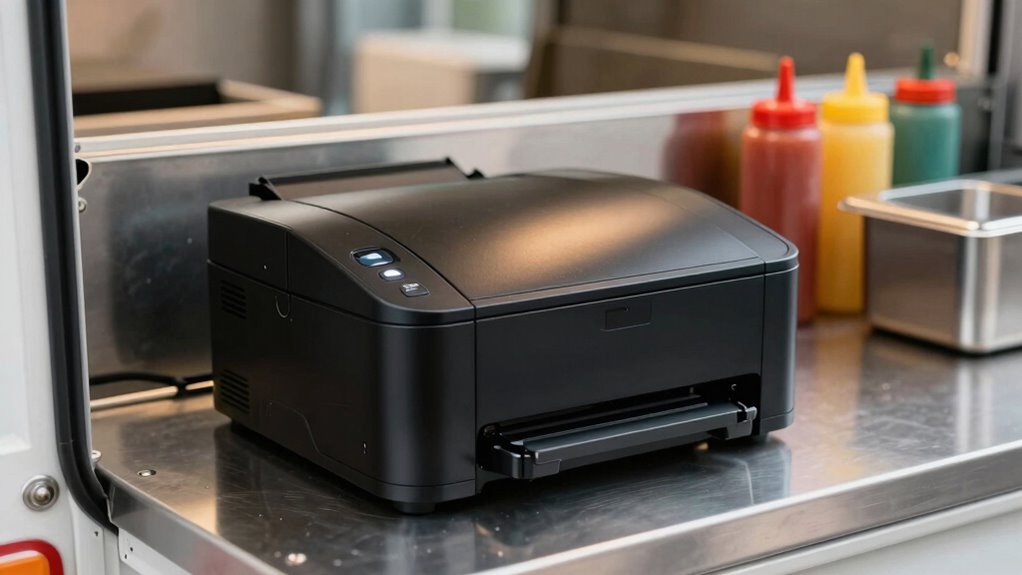
Are you searching for an efficient way to streamline your food truck’s order process? When it comes to choosing the right kitchen printer, you need to focus on how well it supports your order management system and guarantees reliable printer connectivity. With limited space and a fast-paced environment, overbuying can lead to clutter and unnecessary expenses, so it’s vital to pick a device that perfectly suits your needs.
First, consider the printer’s compatibility with your current POS system. You want a model that easily integrates so that orders flow seamlessly from the register to the kitchen, minimizing errors and delays. Check if the printer supports your POS software and whether it offers straightforward setup options. Many modern printers connect via Ethernet or Wi-Fi, providing flexible printer connectivity options that can adapt to your truck’s limited space and network setup. Wireless printers reduce cable clutter and allow you to position the printer ideally, but make sure your Wi-Fi signal is strong enough to avoid interruptions during busy hours.
Choose a printer compatible with your POS system for seamless, error-free order flow in your food truck.
Next, evaluate the printer’s speed and paper handling. You’ll want a device that can produce clear, legible tickets quickly, preventing long wait times for your staff. Look for models with high printing speeds and easy paper reload features, as frequent paper changes can slow down operations. Compact printers designed specifically for small spaces often have a smaller footprint but still offer high performance, aligning with your goal to avoid overbuying. Additionally, choosing a printer with reliable connectivity is crucial to prevent disruptions during peak times. Ensuring that the printer has compatibility with various network setups can also help accommodate different environments and reduce connectivity issues. Incorporating durability features suited for mobile environments can further ensure the printer withstands the rigors of daily use in a food truck. Moreover, selecting a printer with easy maintenance can save you time and effort in the long run.
It’s also important to assess the durability and maintenance requirements of the printer. Food trucks are exposed to movement, vibrations, and varying temperatures, so choose a sturdy device with a reliable print head. Additionally, check if the printer uses standard thermal paper, which is widely available and affordable, helping you keep operating costs low. Some printers come with automatic cutter functions, which can speed up ticket printing and improve efficiency, especially during busy rushes. Furthermore, selecting a Gadget for food trucks that is compatible with various network setups can help ensure reliable operation regardless of your Wi-Fi strength or layout.
Lastly, compare the features versus the price. While it might be tempting to opt for a high-end model with all the bells and whistles, it’s wiser to select a printer that offers essential functions at a reasonable cost. Focus on features that improve your order management and printer connectivity, ensuring smooth communication between your POS and kitchen without overextending your budget. Remember, the goal isn’t to buy the most expensive or feature-rich printer but to find one that’s dependable, easy to use, and perfectly suited for your small food truck.
Products Worth Considering

Ninja HydraSense Intelligent Water Filtration System, WF1001WH1

KitchenAid Compact 8-Cup Grain and Rice Cooker with Integrated Scale

Cuisinart Perfect Position Overhead Propane Patio Heater (COH-400)
As an affiliate, we earn on qualifying purchases.
Frequently Asked Questions
How Long Do Kitchen Printers Typically Last?
Kitchen printers generally last between 3 to 5 years, depending on printer durability and usage. You’ll want to take into account maintenance frequency, as regular cleaning and timely repairs can extend their life. Cheaper models may wear out faster, while high-quality printers tend to be more durable. To prevent early breakdowns, choose a model with good reviews for longevity, and establish a routine maintenance schedule to keep it running smoothly.
Are Wireless Printers More Reliable Than Wired Ones?
Like Icarus, wireless printers soar but sometimes fall short. They’re generally less reliable than wired models, especially if Wi-Fi stability and signal range are weak. You might face disruptions during busy hours, risking delays. Wired printers, on the other hand, offer consistent performance and fewer connection issues, making them more dependable in a small food truck environment. So, if reliability’s your priority, go wired over wireless.
What Is the Average Cost of a Good Kitchen Printer?
A good kitchen printer typically costs between $200 and $500, depending on features and durability. You want a printer with high printer durability to withstand the busy kitchen environment, which often justifies a higher price. Look for models that offer cost efficiency through low maintenance and consumables costs. Investing in a reliable, durable printer can save you money in the long run, minimizing downtime and replacement expenses while keeping your food truck running smoothly.
Do Printers Require Special Maintenance or Cleaning?
Printers do require regular maintenance and cleaning to guarantee durability and reliable performance. You should clean the printer’s exterior and paper path frequently, about once a week, to prevent jams and dust buildup. Maintenance frequency depends on usage, but staying consistent helps extend the printer’s lifespan. Proper cleaning and upkeep keep your kitchen printer running smoothly, avoiding costly repairs and making sure it handles your food truck’s demands efficiently.
Can Printers Be Easily Replaced or Upgraded?
Yes, printers can often be easily replaced or upgraded, especially if you choose models with good printer compatibility and upgrade options. Look for printers that support standard interfaces and have modular components, making it simple to swap out parts or upgrade firmware. This flexibility guarantees your food truck stays efficient without needing a complete overhaul, saving you time and money while keeping up with evolving technology.
Conclusion
Choosing the right kitchen printer for your food truck is like finding the perfect tool in a toolbox — it can make all the difference in your daily operations. By comparing features, sizes, and costs, you’ll avoid overbuying and guarantee your setup is efficient and reliable. Remember, a well-chosen printer isn’t just an accessory; it’s the backbone of smooth service. When you pick wisely, you’ll keep your food truck running like a well-oiled machine.